


College athletic department DTF transfers are direct-to-film graphics heat-applied to apparel to produce branded team, staff, and event garments. This guide covers artwork approvals, roster control, transfer formats, and press testing for departments managing different sports, garment fabrics, and institutional marks.
- DTF2GO supplies ready-to-press DTF transfers for college athletic departments and their apparel decorators.
- Approve institutional marks and roster details before building gang sheets or ordering cut-to-size transfers.
- Use cut-to-size transfers for separated jobs; use gang sheets when your decorator can manage layout and cutting.
- Test polyester jerseys on the actual garment before approving team production.
Why this matters
A correct logo file does not make a finished garment production-ready. Your decorator also needs the approved print dimensions, garment details, placement, and application instructions. Treat those as one job specification, not separate messages scattered across an email thread.
For your 2026 apparel program, start with a controlled artwork folder and a shared order sheet. The guide to designing artwork for DTF transfers supports that preparation; institutional approval still belongs to your designated campus reviewer.
Separate training apparel, staff clothing, event shirts, and competition uniforms in the order sheet. Each has a different approval path or physical use, and a transfer approved for a cotton event shirt is not automatically approved for a stretch performance jersey.
Why DTF transfers matter for college athletic departments
College athletic apparel combines repeat branding with changing job details. The school mark stays consistent while sport names, staff roles, garment sizes, and personalized roster information change. DTF lets your decorator prepare those graphics as transfers, then apply them to the selected garments.
The practical advantage is separating transfer production from garment decoration. A department or contracted print shop can buy ready-to-press transfers rather than operate the film-printing process itself. That does not remove the need for a suitable heat press, trained operators, or garment testing.
The trade-off is application control. Heat, pressure, peel procedure, fabric behavior, and placement all affect the finished result. Choose DTF for a defined apparel job, not because someone describes it as suitable for every athletic garment.
For 2026 planning, organize orders around approval status rather than the date someone requested shirts. A job with approved artwork and confirmed blanks belongs in production; a job with an unresolved mascot variation or unconfirmed roster belongs in review.
How to build a controlled DTF apparel workflow
1. Define the garment's job before choosing the transfer
Start manually with a spreadsheet listing the sport, wearer, garment style, decoration locations, and intended use. Distinguish a coach's travel polo from a practice shirt or competition jersey. The transfer is only one part of that specification.
Ask the garment supplier for fiber content, care instructions, and decoration restrictions. For performance apparel, identify stretch, surface treatments, seams, and areas exposed to abrasion. Do not treat the word polyester as a complete compatibility assessment.
Create a separate job line when the fabric or decoration location changes, even if the artwork stays the same. This gives the press operator a clear boundary between approved combinations and combinations that still need testing.
Close the garment brief with these checks:
- Identify the exact blank style, color, and size range.
- State whether the garment is for competition, training, staff, or events.
- Record fiber content and the supplier's decoration guidance.
- Map each graphic to a specific application area.
- Flag coated, stretch, mesh, or heat-sensitive materials for review.
2. Approve marks, colors, and personalization separately
Use your institution's approved artwork files and brand standards first. A decorator should not recreate a mascot from a screenshot or substitute a similar font for an official wordmark. Keep artwork revisions separate from roster revisions so a corrected surname does not accidentally introduce an old logo.
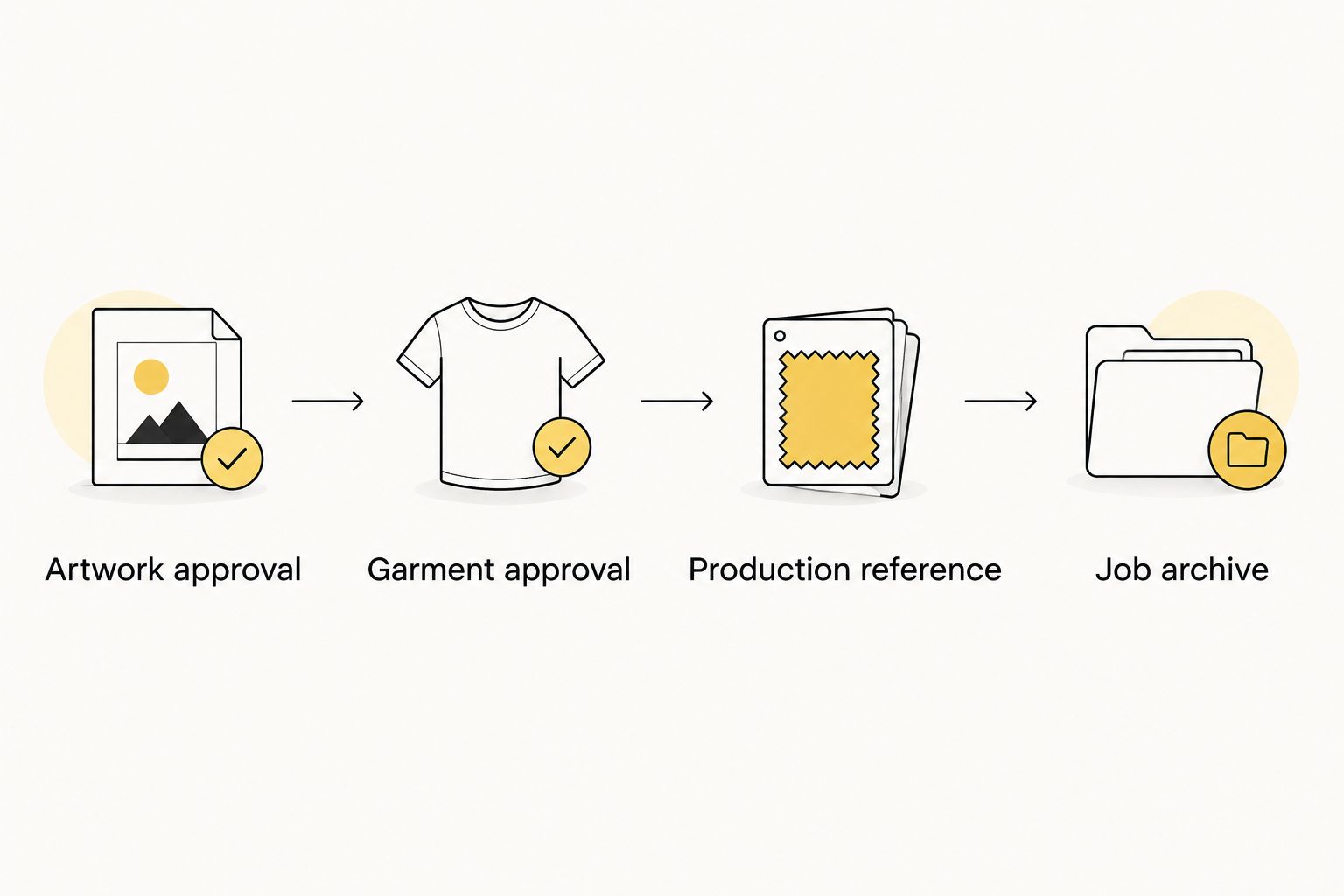
Set 2 approval gates: artwork approval and garment approval. These are workflow controls, not a substitute for your institution's licensing or purchasing process. Confirm who can authorize each use, especially when apparel is sold, supplied to sponsors, or personalized with athlete information.
For your 2026 jobs, retain the approval date and file version beside the order. Evaluate school colors on a physical decorated sample; a monitor preview is not a physical color standard. Use the institution's specified color references when requesting a match.
Before releasing files:
- Confirm permission to use each institutional mark.
- Check approved colors, clear space, and prohibited logo alterations.
- Verify athlete names, jersey numbers, and staff titles against the approved list.
- Record final dimensions in inches rather than relying on preview scale.
- Attach the approval record to the exact production file.
3. Choose a transfer format that fits your shop's handling
Build the layout manually in your design software first. Count each graphic, separate personalization from shared logos, and decide who will cut and sort the transfers. A densely arranged sheet is not useful if operators cannot identify the right design during pressing.
DTF2GO offers PRINT & CUT DTF Transfers for jobs using individual cut-to-size graphics and a 31-inch DTF Gang Sheet UPLOADER for print-ready sheet layouts. The catalog also includes a 32-inch DTF Gang Sheet BUILDER. Those format names do not replace a check of the current file requirements.
DTF2GO DTF transfers are best for college apparel decorators who want ready-to-press artwork without printing transfers in-house. The department or decorator still owns garment selection, approvals, sorting, and application quality.
Use these format-selection rules:
- Choose cut-to-size transfers when individual job separation is the priority.
- Choose a gang sheet when your shop can prepare, cut, and sort a combined layout.
- Group shared logos separately from player-specific graphics.
- Leave workable cutting space rather than packing designs edge-to-edge.
- Reconcile the layout's design counts against the approved order before submission.
4. Test the exact garment and transfer combination
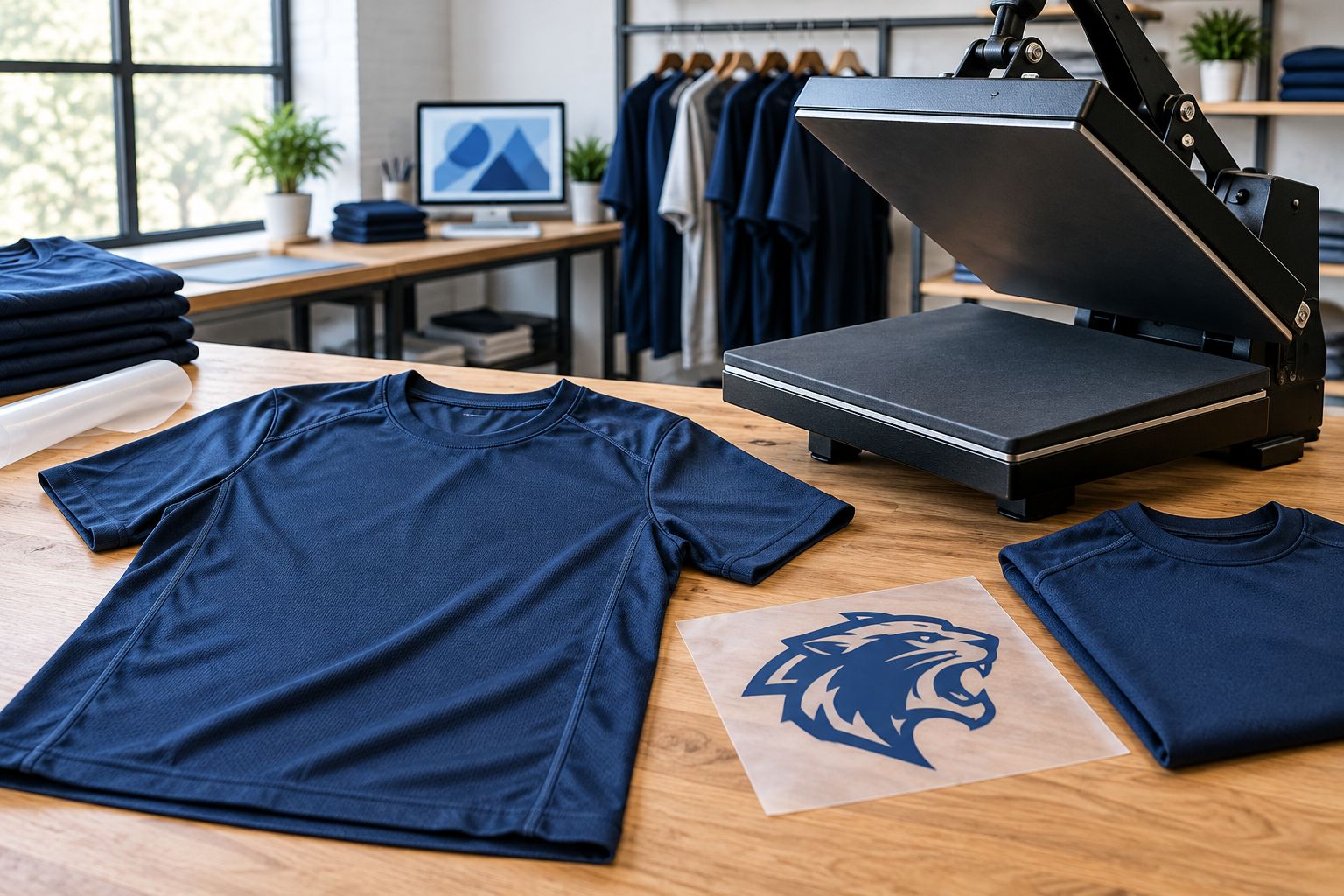
Begin with a physical sample using the actual blank, transfer, and production press. Follow the transfer supplier's application instructions and the garment manufacturer's restrictions. There is no universal temperature-and-time recipe for every DTF transfer and athletic fabric.
Polyester dye migration is a known decoration risk: garment dye can discolor a printed graphic under heat. Heat-sensitive fabrics also require attention to surface damage and press marks. An initial attractive result does not establish that the combination is suitable for production.
For a 2026 approval sample, record the press settings, peel procedure, placement, garment details, and observed result. Follow the applicable care instructions during wash evaluation. Define acceptance criteria before testing so the decision does not depend on whether someone simply likes the sample.
Finish sample approval with these checks:
- Confirm the transfer's specified heat, pressure, and peel procedure.
- Keep seams, zippers, and raised construction from disrupting platen contact.
- Inspect graphic edges, fine lettering, opacity, and garment surface changes.
- Check for discoloration after the decorated garment has cooled.
- Evaluate adhesion and appearance after care according to the supplied instructions.
- Retain an approved physical sample as the production reference.
5. Pair every personalized transfer with a garment
Use a printed job traveler or shared spreadsheet to connect each personalized graphic to its garment. Sort the blanks before pressing, then match the athlete name, jersey number, size, and decoration location. Do not rely on memory when several sports use similar school colors.
Create separate work areas for approved blanks, matched transfers, pressed garments, and inspected garments. Keep incomplete sets out of the pressing queue. If a roster changes, stop the affected job and reconcile both the transfer count and garment assignment before restarting it.
A repeated school logo needs quantity control; a personalized back graphic needs identity control. Treat those as different checks. The same correctly printed surname becomes a rejected garment when it lands on the wrong size or number.
Close each production batch with these controls:
- Attach a job traveler to every sorted garment group.
- Match personalized artwork to the approved roster before pressing.
- Use a placement reference for each garment style and size group.
- Count transfers and blanks at each handoff.
- Isolate superseded roster files and unmatched graphics.
- Inspect the finished name-and-number combination before packing.
6. Document care, storage, and reorder details
Start with a simple production record rather than a complicated inventory system. Save the approved artwork, final layout, blank information, application instructions, sample decision, and finished quantity together. A reorder should reproduce an approved job, not reconstruct it from an old photograph.
Store unapplied transfers according to the supplier's instructions, with labels that identify the job and artwork revision. Keep different roster versions physically separated. Protect the film from handling damage and do not assume a transfer stored without identification can be assigned safely later.
For your 2026 handoff, provide care guidance that follows both the garment and transfer instructions. If those instructions conflict, resolve the conflict before issuing the apparel. Record complaints against the original job so your decorator can distinguish artwork, blank, application, and care issues.
Include these items in the job archive:
- Save the exact approved artwork and roster versions.
- Record the garment style, color, and supplier information.
- Retain application settings and the approved sample reference.
- Label unused transfers by job, design, and revision.
- Provide written care instructions with the finished apparel.
- Reconfirm blank and transfer specifications before a repeat order.
Compare decoration options for your department
Select by the garment and production task, not by a blanket claim that one method wins. DTF2GO supplies ready-to-press DTF transfers; your decorator still needs to decide whether transfers suit the approved apparel. Screen printing, embroidery, and sublimation solve different decoration problems.
| Option | Best for | Practical advantage | Key limitation |
|---|---|---|---|
| Cut-to-size DTF transfers | Separated team, staff, and personalized jobs | Individual graphics are ready for organized handling | Every garment still needs controlled pressing and inspection |
| DTF gang sheets | Shops combining multiple approved graphics | Shared layouts consolidate transfer preparation | Cutting, sorting, and identity checks remain shop responsibilities |
| Screen printing | Repeated artwork on a defined garment run | Established workflow for repeating the same design | Each artwork change affects screen preparation |
| Embroidery | Staff polos and garments suited to stitched marks | Produces a stitched rather than printed decoration | Fine detail, fabric support, and stitch density require review |
| Sublimation | Compatible light-colored polyester garments | Dyes the compatible substrate rather than adding a surface transfer | Standard sublimation does not provide opaque white ink for dark garments |
Use a physical sample to settle disagreements about appearance and hand feel. A large solid DTF graphic has a different feel from a small chest mark. Neither the transfer format nor a digital proof answers that question for the finished garment.
Common mistakes college athletic departments make
Treating a logo approval as a uniform approval
Institutional artwork approval does not establish compliance with the rules governing competition apparel. Confirm the applicable sport, conference, governing-body, and campus requirements before decorating game uniforms. Keep practice and event garments separate from competition orders.
Copying press settings across different athletic fabrics
A setting used successfully on a cotton event shirt does not qualify it for a polyester jersey or coated warm-up jacket. Follow the relevant instructions and approve the actual combination. Do not release a new blank style using an old sample as evidence.
Filling gang sheets before confirming the roster
A tightly packed layout can still contain the wrong player information. Lock the roster first, then reconcile each personalized design against it. Keep shared school marks separate enough that a late personalization correction does not confuse the entire job.
Approving school colors from a screen
Monitor appearance depends on display settings and does not prove a printed match. Review the decorated sample against the institution's approved reference under consistent viewing conditions. Record the accepted sample rather than promising an exact result from an unverified preview.
Reordering from a photograph
A photograph does not preserve file dimensions, fabric specifications, or application settings. Use the archived production file and job record. When a garment supplier changes the blank, approve the new combination instead of treating it as an identical reorder.
FAQ
What's the best DTF transfer format for a college athletic department?
Cut-to-size transfers suit separated jobs, while gang sheets suit decorators who can prepare and sort combined layouts. Choose according to your handling process, approved artwork, and personalization requirements.
Can DTF transfers go on polyester college jerseys?
DTF transfers require compatibility testing on the exact polyester jersey before production. Follow the transfer instructions and garment restrictions, then inspect for adhesion, dye migration, and heat damage.
Is DTF better than screen printing for team apparel?
DTF and screen printing fit different production tasks. DTF supports preparing separate transfer graphics, while screen printing uses screens for repeated artwork; compare the approved garment and job structure before choosing.
Does DTF2GO sell ready-to-press transfers for apparel decorators?
DTF2GO produces custom cut-to-size, ready-to-press DTF transfers for apparel decorators, promotional product businesses, and print shops. Your decorator remains responsible for garment compatibility and correct application.
What temperature should I use for DTF on athletic apparel?
Use the application settings specified for the transfer and permitted by the garment manufacturer. Do not apply a generic temperature-and-time recipe to every athletic fabric.
Can we add athlete names and numbers to DTF gang sheets?
Names and numbers can be prepared as separate graphics within a gang-sheet layout. Confirm permissions and the final roster, then match each graphic to its assigned garment before pressing.
Do college logos need approval before printing transfers?
Confirm authorization for college marks through the institution's designated approval process before production. Check the intended use, approved artwork, and any applicable licensing or competition requirements.
One last thing
Keep an undecorated blank beside the approved decorated sample. The pair gives your operator a direct reference for changes caused during pressing, including surface appearance and garment distortion. It also keeps the acceptance decision tied to the actual fabric rather than the artwork alone.
For the next order, release production only when the approved file, confirmed roster, selected blank, and tested application process agree. That is the control point that turns a box of transfers into a repeatable college apparel job.


